Automatic bird detection
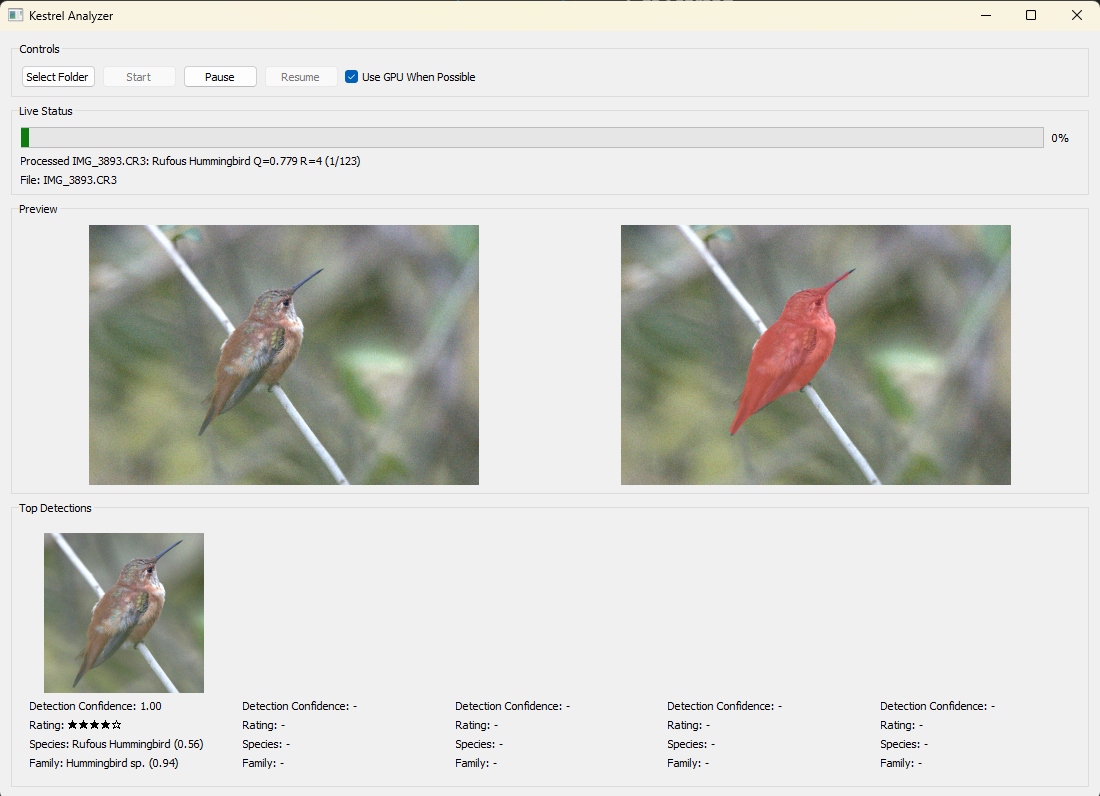
Finds birds, masks them precisely, and focuses quality scoring on the subject.

Project Kestrel
Quickly find your favorite bird photos.
No more pixel peeping.
Project Kestrel is a Machine Learning-powered bird photography analysis software that groups your burst photos together and ranks them by image quality. Let Kestrel turn your RAW photo collection into a searchable, quality-sorted and interactive library, then simply select your favorite photos to edit and share!
100% local
All processing is done locally on your device.Intelligent Grouping
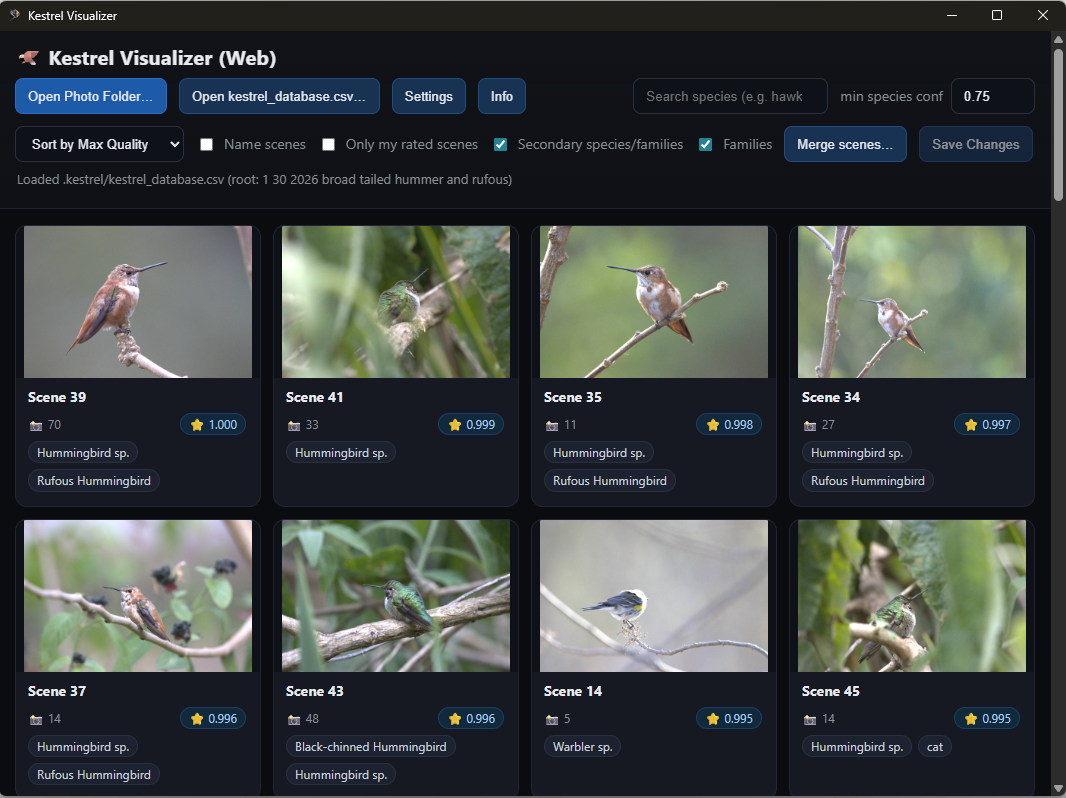
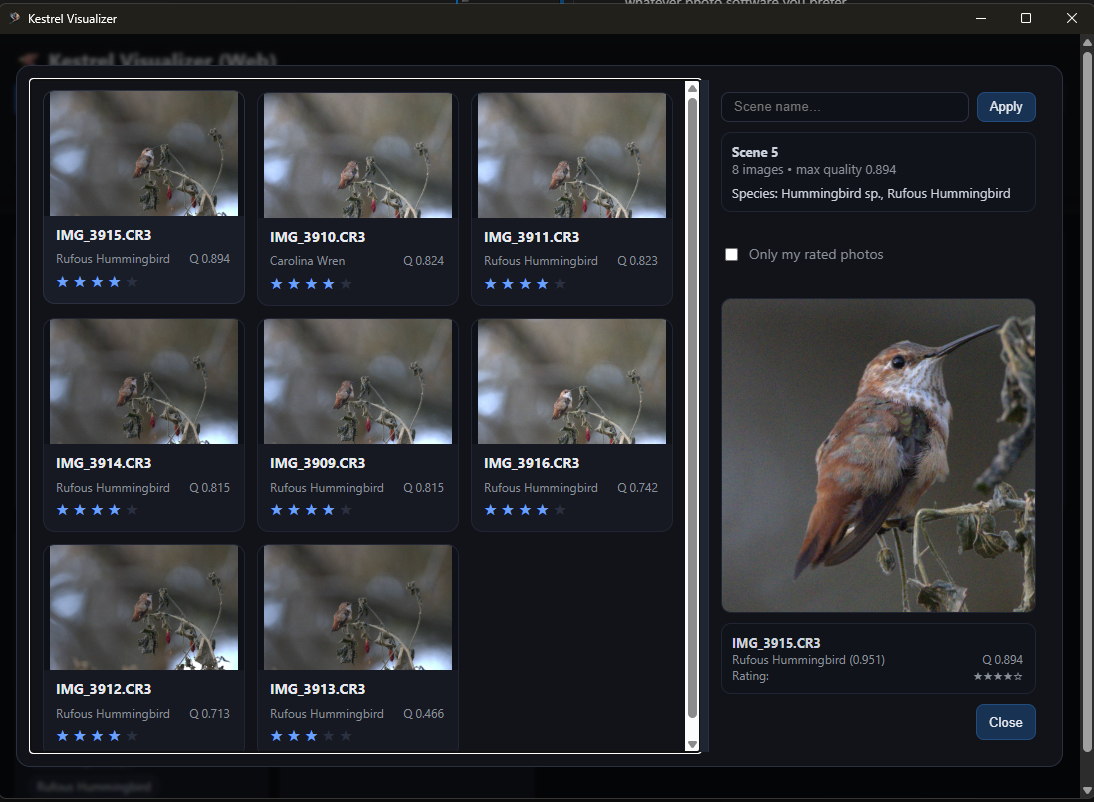
Groups your photos by bursts or scenes for faster review.You stay in control
Kestrel only checks sharpness, motion blur, and noise. You pick your favorites based on pose, framing, and artistic preference.Search by Family/Species
Kestrel guesses the family and species of birds in your photos, so you can filter your library to find specific birds.Works with RAW Formats
Kestrel works with RAW files, preserves your folder structure, and never deletes or modifies your photos.Features
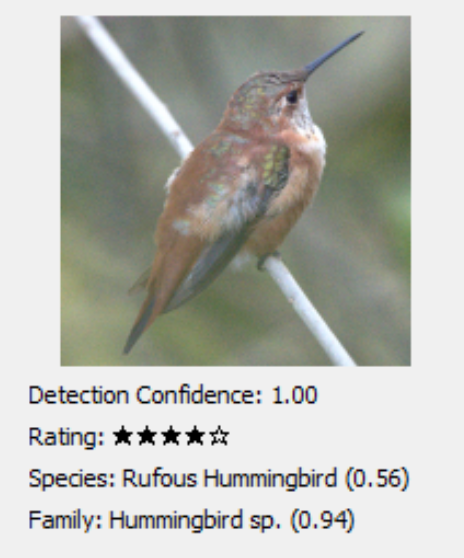
Finds birds, masks them precisely, and focuses quality scoring on the subject.
Classifies birds so you can filter your library by family or species.
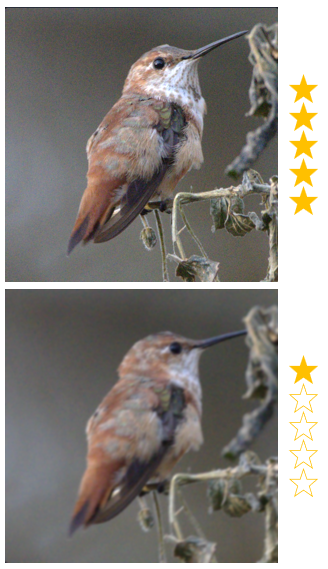
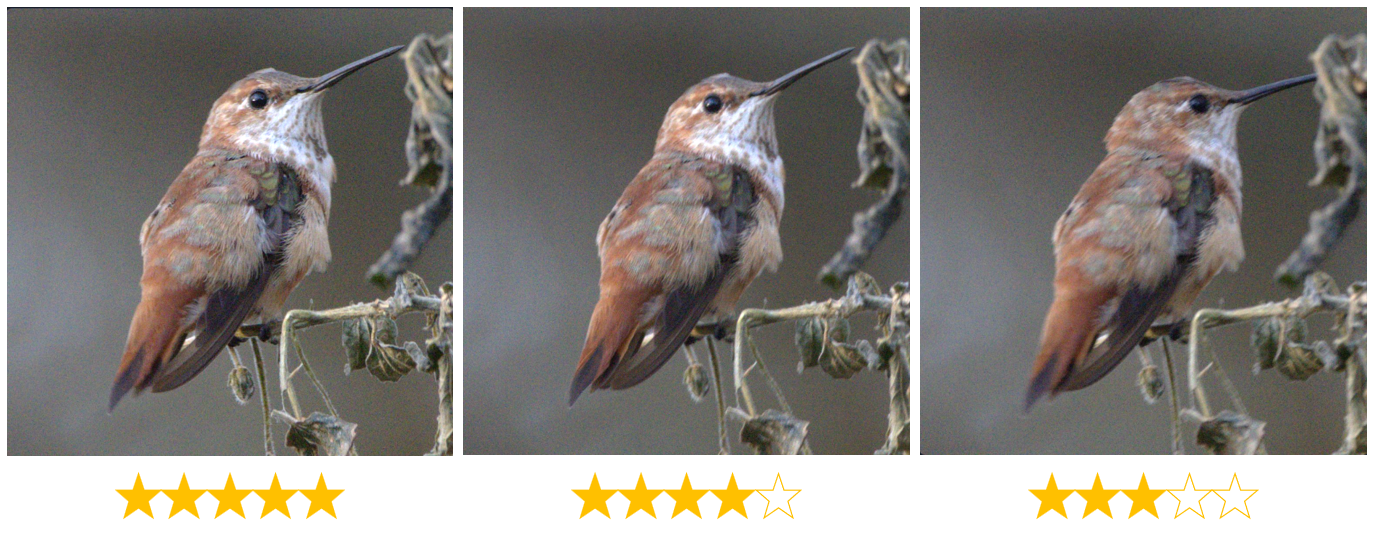
Ranks frames by sharpness, motion blur, and noise for clean comparisons.
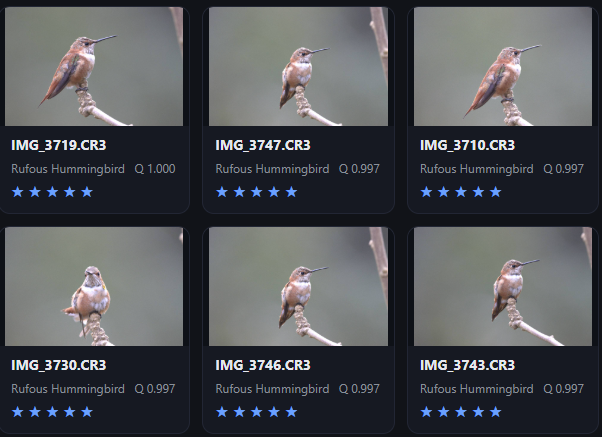
Bursts are grouped automatically so you can judge similar frames together.
Note: Kestrel family classification and species classification may be inaccurate and should only be used as a tool to help narrow down your library when searching for a specific scene.
How to Use
Select a photo folder and let Kestrel detect birds, classify them, and score quality.
Browse results by scene or species with a fast, responsive visual interface.
Double-click any shot to open it in your favorite photo editor.
Screenshots
Ready to try it?
Windows builds are available on GitHub. MacOS and Linux users can run from source with Python 3.12+ and ImageMagick.